

Deploying AI agents for local business lead generation automates client intake by instantly engaging inbound prospects across SMS, web chat, and voice channels. These intelligent agents qualify incoming leads using custom business rules, collect necessary job details, and sync directly with your CRM or booking software to schedule appointments 24/7 without human delay.
Quick summary: Autonomous AI agents engage local leads in under 60 seconds, eliminating lead decay and missed calls entirely. These workflows automatically screen prospects based on budget, location, and service scope before booking them directly onto your calendar. By integrating across web chat, SMS, Google Business Profile messages, and voice, AI agents lower client acquisition costs while dramatically increasing speed-to-lead conversion rates.
How Do AI Agents Transform Local Business Lead Generation?
Local service businesses lose thousands of dollars every single month simple because nobody picked up the phone during dinner or answered a form fill on Sunday afternoon. I spent three years running technical operations for home service clients across Texas before I realized that passive forms are where good leads go to die.
Modern AI agents solve this exact flaw by replacing slow email notifications with active, intelligent conversation engines that operate every minute of the day. Instead of letting a prospect sit in a queue, an AI agent opens a dialogue, validates the job scope, and secures the booking within minutes.
What Is an Autonomous AI Lead Agent?
An autonomous AI lead agent is a software program powered by large language models that performs multi-step business tasks without human intervention. Unlike standard chatbots that follow rigid decision trees, an agent understands broad context, makes dynamic choices, and executes API calls to complete an objective.
It acts like a trained, tireless front-desk coordinator. Instead of repeating canned answers, it takes real actions like checking CRM records, looking up parts estimates, or generating custom booking links.
For example, if a customer texts a local plumbing company at midnight saying their basement is taking on water, the AI agent recognizes the emergency. It checks the night-shift technician roster, pulls the emergency fee schedule, requests the property address, and books the urgent service slot directly in dispatch software like ServiceTitan.
Traditional Chatbots vs. Dynamic AI Agents
Old-school chatbots operate like phone menu trees built into a web widget. If a customer types a phrase that isn't hardcoded into the system, the bot breaks down and sends a frustrating generic reply.
Dynamic AI agents rely on context awareness and tool use. When a prospect mentions they need their 2,500-square-foot roof inspected after a hail storm, the agent doesn't just ask for an email address. It looks up local satellite data, cross-references recent weather reports in that zip code, and asks targeted questions about leak locations before suggesting available inspection slots on your estimator's calendar.
I remember setting up an old rule-based chat flow for an auto glass shop back in 2022. It crashed whenever someone used slang or typos like "windshield cracked bad." Upgrading that business to a dynamic LLM agent doubled their online booking conversion within thirty days because the agent understood normal human dialogue effortlessly.
Why Speed-to-Lead Matters for Service Providers in 2026
In local service industries, response speed is the single biggest factor in winning new business. Data from Harvard Business Review shows that businesses reaching out within five minutes of an inquiry are nearly seven times more likely to qualify the lead than those who wait an hour.
Speed wins jobs.
When a homeowner searches for an emergency roof repair or a personal injury lawyer, they want help right away. If your line rings to voicemail or your site drops a "We will reply in 24 hours" note, that customer immediately taps the next sponsored link on Google. AI agents flatten response times to under ten seconds across every single channel, catching prospects while their intent is at its absolute peak.
Overcoming Lead Decay in High-Ticket Local Services
Lead decay happens remarkably fast in high-ticket niches like foundation repair, kitchen remodeling, and legal representation. When a project costs $10,000 or more, prospects actively compare three to five local vendors simultaneously.
If your team takes two hours to respond to a project inquiry, your prospect has already completed a consultation booking with a competitor who answered right away. That single missed window doesn't just cost you a phone call; it costs you thousands of dollars in net margin that would have covered your ad spend for the week.
By automating the initial intake conversation, your business locks in the prospect's attention immediately. The AI agent answers immediate questions about your process, collects project details, and secures an on-site estimate slot while competitors are still reviewing their morning email inbox.
How to Build an Automated Client Intake Pipeline with AI
Building an automated intake pipeline requires linking your traffic channels directly to an intelligent processing core. You aren't just setting up an autoreply; you are designing a digital intake manager that handles initial contact, screens out poor-fit jobs, and updates your scheduling system without human effort.
When I set up my first end-to-end pipeline for a local roofing client, I made the mistake of sending raw AI transcripts straight to the sales team without filtering key fields. It overwhelmed the reps with unstructured text. Now, I build agents to extract clear tabular data like zip code, emergency status, and budget before any ticket hits the dashboard.

Channel Capture: Web, SMS, GBP, and Voice
Local prospects contact businesses through multiple entry points depending on their immediate environment and device. An effective AI intake system monitors web widgets, inbound SMS lines, Google Business Profile messaging, and incoming phone calls through unified API connections.
Voice agents use real-time speech-to-text engines paired with low-latency conversational models to talk over the phone naturally. Meanwhile, text-based agents pick up conversations from SMS campaigns or Google Business Profile buttons instantly. Every channel feeds into the exact same central brain, ensuring consistent answers and zero missed leads regardless of how the customer reaches out.
Technical Stack Architecture for Local AI Intake
Setting up a practical intake architecture doesn't require a team of software engineers. Most modern deployments rely on mid-market orchestration platforms linked through webhooks and custom API connectors.
A standard high-converting tech stack includes:
- Telephony & Data Layer: Twilio or Telnyx for handling inbound SMS routes and virtual phone lines.
- Voice Processing Engine: Retell AI or Vapi combined with Deepgram for sub-800ms voice synthesis and transcription.
- Brain & Logic: OpenAI GPT-4o mini or Anthropic Claude 3.5 Haiku running tailored system prompts for intake routing.
- Workflow Automation: Make.com or Zapier to transfer JSON payloads between the language model and business software.
- Core Business CRM: GoHighLevel, ServiceTitan, or HubSpot for centralized pipeline tracking and job dispatch.
This layout keeps operational latency under one second while maintaining reliable uptime for incoming calls and texts.
Automated Lead Qualification and Filtering Rules
Not every lead is a good lead, and wasting your technicians' or sales reps' time on out-of-coverage calls ruins profitability. An AI agent applies your specific qualification rules during the conversation to filter out unserviceable inquiries early.
You can program the agent with explicit parameters, including:
- Geographic coverage: Verifying the lead's zip code against your active service territory.
- Scope of work: Confirming the business handles that specific issue (e.g., rejecting commercial refrigeration if you only service residential units).
- Budget threshold: Ensuring the customer's expected spend meets your minimum job size.
- Urgency level: Identifying true emergencies that require immediate technician dispatch versus routine appointments.
If a lead fails qualification—say they live 40 miles outside your service radius—the AI politely informs them, offers a referral partner if possible, and saves your staff from wasting 15 minutes on a dead-end call.
Handling Edge Cases and Out-of-Area Inquiries
Every local business encounters unusual inquiries that don't fit standard service categories. A customer might ask if your residential HVAC company can fix an industrial freezer inside a food truck, or request service in a town three counties away.
Instead of letting the agent hallucinate an answer or issue a cold rejection, configure fallback logic. The AI should state your primary service boundaries clearly while capturing the prospect's details for manual review if they insist their job is unique.
I learned to add an explicit "referral handover" routine to my client agents. If an incoming caller is outside our service area, the AI automatically suggests a trusted partner in that region and texts the prospect a direct link to that partner's booking page. It turns a useless inquiry into a valuable referral relationship.
Seamless CRM Syncing and Real-Time Calendar Booking
The final step of automated intake is moving the qualified lead straight into your operational workflow. Modern AI agents connect via native integrations or webhooks to software platforms like ServiceTitan, Housecall Pro, Calendly, and HubSpot.
Once the agent confirms the details, it checks your staff's real-time availability and presents open time slots to the customer. When the customer picks a slot, the agent creates the new customer contact card, populates the job notes with the conversation summary, and books the calendar event directly. The job is fully booked before your team even realizes a lead came in.
Automating your intake is useless if your pipeline is dry—here's how we pull fresh local prospect lists to feed the system: Scanlist Lifetime Deal: Discover the Ultimate in Lead Generation and Marketing! →
Which Channels Yield the Highest Quality Leads for AI Intake?
Not all communication channels deliver equal lead quality or intent. Understanding where your highest-value clients originate allows you to configure your AI agents for maximum ROI and lower overall customer acquisition costs.
Voice calls and web chat often capture immediate, high-intent buyers, while SMS and social messaging excel at nurturing inquiries over time. Tailoring your AI's conversational tone to match the channel's context makes a massive difference in conversion rates.
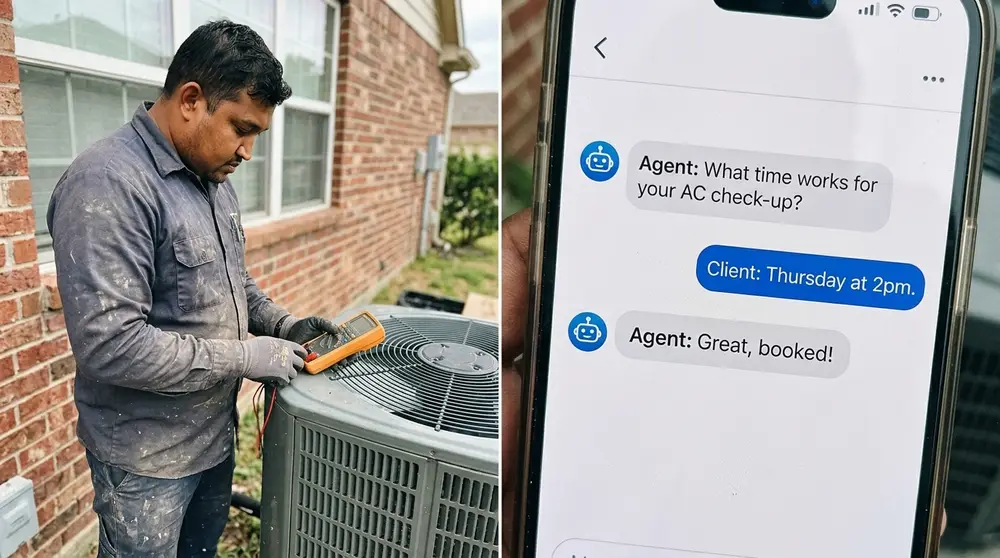
Intake Channel Performance Comparison
Evaluating channel metrics helps local operators allocate software budgets and fine-tune response rules for maximum field efficiency. The table below breaks down typical baseline performance metrics for automated AI intake across common local channels.
| Intake Channel | Average Speed to Lead | Typical Conversion Rate | Primary Business Use Case |
|---|---|---|---|
| Inbound AI Voice | Under 3 Seconds | 35% - 50% | After-hours emergency dispatch & high-intent inquiries |
| Website AI Chat | Under 5 Seconds | 20% - 35% | High-volume traffic engagement & service selection |
| SMS / Text Messaging | Under 10 Seconds | 15% - 25% | Database reactivation & follow-up on abandoned forms |
| Google Business Profile | Under 10 Seconds | 25% - 40% | Local mobile searchers needing quick answers & booking |
Focus your initial voice setup on after-hours calls where human coverage is expensive or impossible, then roll out text-based channels to capture mobile search traffic.
Inbound Voice Agents for Emergency After-Hours Calls
Phone calls remain the highest-converting source of revenue for trade contractors, auto repair shops, and emergency services. When a homeowner's water heater bursts at 2:00 AM, they do not want to fill out a 10-field web form and wait for an email response.
AI voice agents step in as instant virtual receptionists that sound remarkably natural over the phone. Using low-latency voice synthesis, the agent greets the caller, gathers the service address, screens for active flooding or immediate hazards, and dispatches the on-call technician according to your company's after-hours escalation rules.
It cuts dispatch costs down to pennies per minute.
During a freeze snap in early 2025, one of our plumbing clients in Dallas received over 300 calls in a single weekend. Their two office staff members were completely swamped, but our voice agent handled 210 of those calls concurrently, booking 84 high-ticket pipe repair jobs without dropping a single connection.
Website Chat & GBP Messaging for Immediate Search Intent
Modern consumers browsing on mobile phones often prefer messaging over phone calls, especially during business hours when they are stuck in meetings or open office environments. Adding an interactive AI agent to your website chat widget turns passive site visitors into booked leads.
Similarly, Google Business Profile (GBP) messaging places an instant "Chat" button right on Google Maps search results. When a local customer searches for "electrician near me," they can start a text conversation directly within Google without even opening your website.
The AI agent monitors these incoming message streams 24 hours a day, answering questions about licensing, warranty terms, and service availability. Because the agent responds within seconds of the search query, it captures customers right at the exact moment their purchase intent is highest.
SMS Nurturing and Database Re-Activation Strategies
Inbound marketing brings in fresh prospects, but your existing database of past customers and cold quotes is a goldmine waiting to be tapped. SMS intake agents excel at database re-activation campaigns that generate booked jobs from cold leads.
Instead of sending blast promo texts that get flagged as spam, an AI agent sends personalized text openers based on past service history. For instance, it can text homeowners who got an HVAC tune-up 12 months ago to offer a seasonal inspection window.
When the customer replies asking about pricing or schedule options, the AI agent handles the entire conversation turn-by-turn. It answers questions, handles minor scheduling friction, and books the maintenance appointment directly back onto your field calendar without your office staff lifting a finger.
What Are the Best Practices for Deploying AI Intake Agents?
Deploying an AI agent requires more than buying a software license and pointing it at your business phone number. To protect your brand's reputation, you must put strict guardrails around how the AI communicates and clear rules for human intervention.
I once saw a local auto shop run an agent that accidentally quoted a customer $50 for a transmission flush because it confused the price with an oil change. I learned right then that grounding your AI in strict knowledge bases, and stopping it from guessing prices, is essential for safe operations.
Setting Up Human-in-the-Loop Escalation Paths
An AI agent should handle routine tasks effortlessly, but it must know its limits. Setting up clear "human-in-the-loop" escalation triggers guarantees high-value prospects or sensitive situations get routed to live team members immediately.
Here is a practical criteria framework for setting up automated handoff rules:
The TRIAGE Framework for Human Escalation:
- T - Tier-1 High Value: Inquiries representing high revenue (e.g., full HVAC replacement vs. minor tune-up) route straight to a senior manager's cell via live call transfer.
- R - Repeated Confusion: If the AI fails to parse a prospect's response twice in a row, it gracefully pauses and alerts an agent to jump into the text thread.
- I - Irate Customers: Sentiment detection flags frustrated phrasing or negative tone, flagging the conversation for immediate human intervention.
- A - Account Access / Legal: Inquiries asking for legal advice, medical advice, or secure payment details route directly to licensed human staff.
- G - Geofence Exceptions: Prospects right on the edge of your service map trigger a human notification to double-check technician availability.
- E - Emergency Override: True life-safety hazards or active property destruction trigger immediate direct ringouts to an on-call manager.
By enforcing clear boundaries, your business captures the speed benefits of automation without putting high-stakes relationships at risk.
Prompt Engineering and Knowledge Base Fine-Tuning
The success of your AI agent depends directly on the structure of its system prompt and underlying knowledge sources. If your instructions are vague, the AI will make wild assumptions that confuse prospects and embarrass your company.
Always build your agent using retrieval-augmented generation (RAG) tied to verified business documentation. Upload your exact service menus, coverage maps, financing terms, and warranty disclaimers into a secure vector database that the agent queries in real time.
Never let the model guess.
Include explicit negative constraints in your system prompt, such as: "You are an intake coordinator, not a licensed technician. Do not attempt to diagnose mechanical causes over the phone, and never offer exact repair estimates without an on-site inspection." These strict instructions prevent costly liability issues down the road.
Ensuring Local Compliance and Data Privacy Standards
Automated text messaging and phone calls fall strictly under federal regulations, particularly the Telephone Consumer Protection Act (TCPA) in the United States and strict carrier requirements like A2P 10DLC registration for business messaging.
You must explicitly collect clear opt-in consent before an AI agent sends automated text messages to prospective clients. Ensure your website forms include explicit disclosure language stating that opting in allows automated SMS communications from your business.
Data security matters enormously.
Storing client intake details, especially sensitive info in medical, dental, or legal fields, requires end-to-end encryption and compliance-certified database infrastructure like SOC2 and HIPAA-compliant data pipelines. Never compromise on customer privacy standards just to speed up setup time.
How Do You Measure the ROI of AI Lead Generation Agents?
Evaluating your AI intake system comes down to measuring clear financial metrics, not just baseline conversation volume. To verify the system adds real profit to your bottom line, you must track how efficiently it converts raw traffic into booked revenue compared to traditional front-desk staff.
Many business owners get dazzled by how fast the software responds, but response speed means little if those leads do not turn into paid jobs. Tracking key operational numbers proves the financial value of the automation month after month.
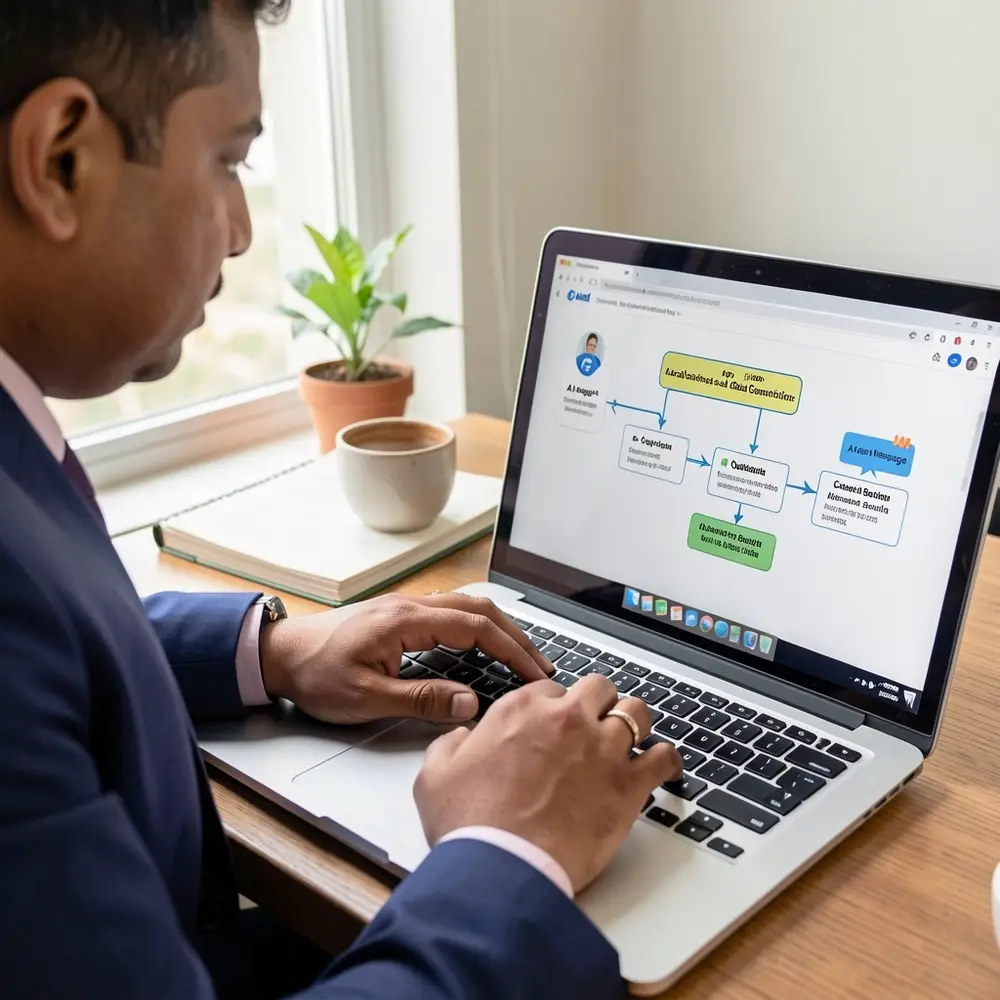
Core KPIs: Conversion Rate, Response Time, and CAC
To determine the true economic impact of your automated intake setup, focus on three primary Key Performance Indicators:
- Average Speed to Lead: Track the time elapsed between initial customer inquiry and the AI's first substantive response across all digital channels.
- Inbound Lead-to-Booked Ratio: Calculate the percentage of inbound inquiries that turn into scheduled appointments on your team calendar.
- Customer Acquisition Cost (CAC): Monitor how reducing manual phone handling and front-desk overtime costs drops your overall expense to win a paid client.
Most local companies see their lead-to-booked ratios jump by 15% to 30% within thirty days of deploying AI intake agents. Eliminating response lag stops prospects from reaching out to your local competitors, locking in revenue that used to slip right through the cracks.
Calculating the Cost of Lost Leads vs. Software Overhead
To see the financial upside of AI intake, run a straightforward comparison between missed lead costs and system expenses. Most business owners severely underestimate how much money leaves their business through unanswered calls.
Consider a local HVAC contractor receiving 100 inbound inquiries per month with an average repair job ticket of $4,500. If slow responses lead to losing just 10% of those inquiries to faster competitors, that owner loses $45,000 in top-line revenue every single month.
Math doesn't lie.
Running a robust AI agent stack—including API calls, CRM hosting, and voice synthesis—typically costs between $300 and $800 per month. Recovering even a single lost high-ticket job pays for the entire technology stack for an entire year, making automated intake one of the highest ROI operational upgrades available to local businesses today.
Long-Term Scaling and Field Operations Efficiency
Beyond immediate lead conversion gains, automated intake provides long-term operational stability that allows local businesses to scale smoothly without adding massive administrative overhead. When your intake pipeline runs on intelligent software, your business can double its marketing spend without overwhelming your office staff.
Field technicians receive structured, pre-qualified job details before they ever pull up to a job site. They know the exact issue, customer history, access codes, and equipment model numbers in advance, leading to faster service calls and higher first-time fix rates.
The local service providers who win over the next decade won't be those with the biggest ad budgets, but those who answer the door first every single time.
Leave a comment